

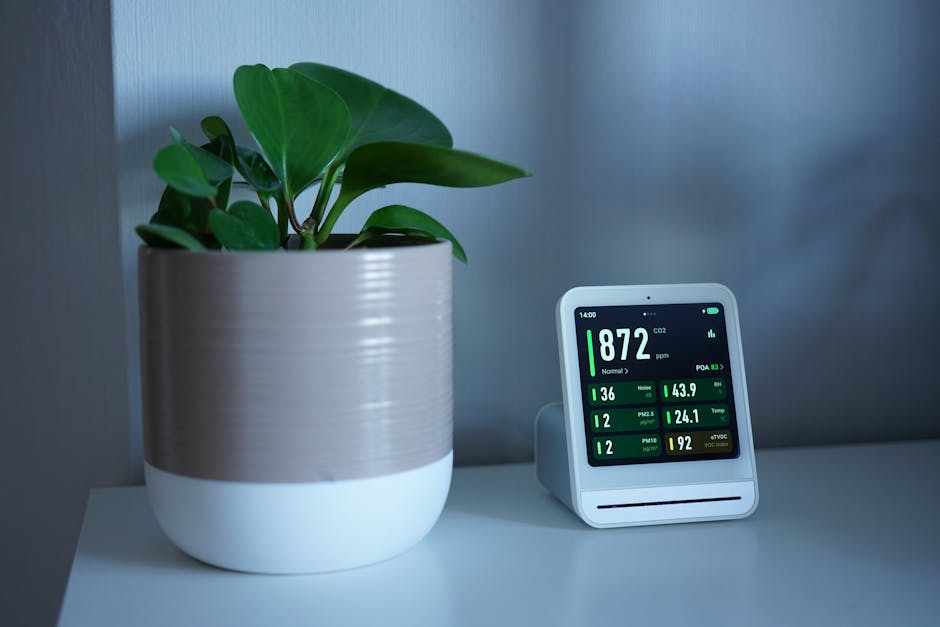
Ever walked into your house and felt “something is off”… and later realized it was the air, not the pets? I’ve had that exact moment. One day the room felt stuffy, my dog was a little restless, and the next morning I checked the sensors and saw a clear air-quality problem. After that, I stopped guessing and started watching the numbers.
A smart home for pet owners is basically a way to track what your pet can’t tell you: how clean the air is, whether the temperature is safe, and when your pet is moving or hiding. In this guide, I’ll show you the best devices to monitor air quality, temperature, and activity—plus how to set them up so you actually get useful alerts.
Smart Home for Pet Owners: Start With the 3 Metrics That Matter Most
For pet safety, you want three things in plain view: air quality, room temperature, and activity. These are the most useful signals because they connect to breathing comfort, body comfort, and daily routine.
Air quality refers to how clean the air is and how much stuff your pet can breathe in. Temperature is how warm or cool the room stays over time. Activity is whether your pet is getting up, eating, and moving like normal—or acting “off.”
Most people buy one gadget and stop there. I think that’s the mistake. You need at least one sensor for air, one for climate, and one for behavior. When you link them, patterns show up fast.
Best Devices for Air Quality Monitoring (For Dogs, Cats, and Small Pets)
Air quality monitors are the fastest way to spot hidden problems like smoke, dust, and chemical smells. For pets, the big goal is to lower irritants and catch spikes early.
What to track for pets: PM2.5, VOCs, and humidity
When I pick an air monitor, I look for these measurements:
- PM2.5: tiny particles that can get deep into lungs. Peaks happen during cooking, candles, vacuuming, and wild smoke days.
- VOC (volatile organic compounds): smells from cleaning sprays, new furniture, air fresheners, and some sprays used in homes.
- Humidity: damp air can worsen odors and encourage mold growth.
If your device only gives you “good/average/bad,” it’s still helpful, but you’ll have less control over what to change.
Top picks in 2026 for pet-friendly air monitoring
Here are devices I’d actually consider today, and what they’re best at.
| Device type | What it measures | Best for | Watch-outs |
|---|---|---|---|
| Smart air quality sensor (PM2.5 + VOC) | PM2.5, some VOC/TVOC, often temp + humidity | Whole-room alerts and trend tracking | Placement matters a lot (don’t mount right by a vent) |
| Standalone air purifier with smart mode | PM reduction, sometimes VOC sensors | Acting fast when PM spikes | Filters cost money—check the replacement schedule |
| CO2 monitor (optional) | CO2 as a ventilation hint | Stuffy air and “staying inside” days | CO2 isn’t the same as smoke—use it as a ventilation signal |
Specific examples you’ll see recommended a lot: PurpleAir (popular for PM2.5 networks), Awair (has VOC + comfort signals), and Eve Air (aims for clear particulate and air-quality feedback). Prices move around, but in 2026 you’ll usually find good options in the $80–$250 range for sensors, plus $40–$150 every few months for filters if you add purifiers.
I prefer a sensor that shows numbers or at least clear categories, because it helps you figure out what caused a spike. A “mystery bad air day” is harder to fix than one tied to cooking, litter, or a cleaning product.
How I place air sensors so they tell the truth
Placement is where most people lose value. If your sensor is too close to a spray bottle or a vent, it reports “bad” even when the rest of the room is fine.
- Put the sensor about 3–5 feet off the floor when possible. That’s closer to where pets breathe during most of the day.
- Avoid direct sunlight and avoid right above HVAC vents.
- If you have a cat who lounges low, add a second sensor lower down in that corner.
In my house, I tested placement by turning off the purifier for an hour and then checking how stable readings were. A good spot shows a gradual change, not constant wild swings.
Temperature Monitoring Devices That Actually Keep Pets Comfortable
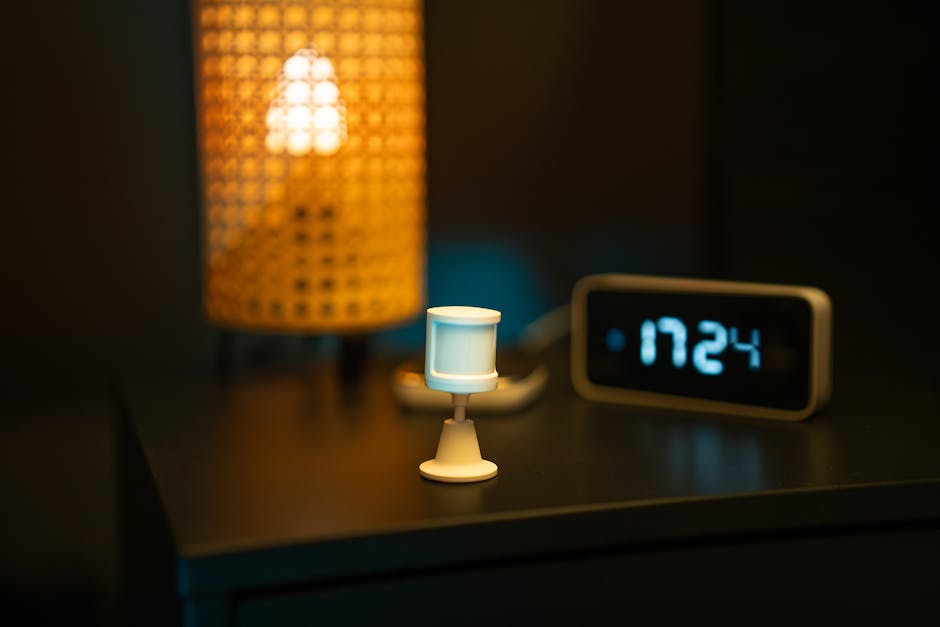
Temperature problems usually happen slowly—drafts, sun patches, or a heater that cycles on too long. Smart temperature monitoring helps you catch it before your pet starts acting unusual.
Target ranges for pets (and why “room temp” isn’t enough)
There isn’t one perfect number for every pet, but most dogs and cats do best in a moderate range. A practical rule I use in pet homes: aim for 68–75°F (20–24°C) most of the day, and avoid big swings.
Small pets can be more sensitive. If you keep reptiles, birds, or hamsters, you’ll often need extra equipment like heat lamps and careful humidity control. This article focuses on home monitoring, not specialized habitat setups.
Best smart thermostat + room sensor combinations
Thermostats alone tell you what the hallway is like, not what the pet is living in. That’s why I like thermostats paired with extra room sensors.
- Smart thermostat (example: Nest Learning Thermostat, ecobee): controls HVAC and can send alerts.
- Remote room sensors (example: ecobee room sensors): track temperature in a room your pet uses.
- Smart humidity sensors (often bundled with air monitors): track moisture that affects comfort.
One more thing: drafts are sneaky. A room can read 72°F while a cat bed by the window feels colder due to airflow. If you can, place a temperature sensor near where your pet sleeps.
What most people get wrong about pet temperature
Here’s my unpopular opinion: people overthink the thermostat number and ignore the timeline. A pet can be totally fine at 72°F, but if the house drops to 62°F at night for two hours, you’ll see behavior changes.
So check the trend, not just the snapshot. If you can get a graph in the app, use it. Look for repeated dips or sudden rises.
Activity Monitoring for Pets: Cameras, Wearables, and Motion Sensors
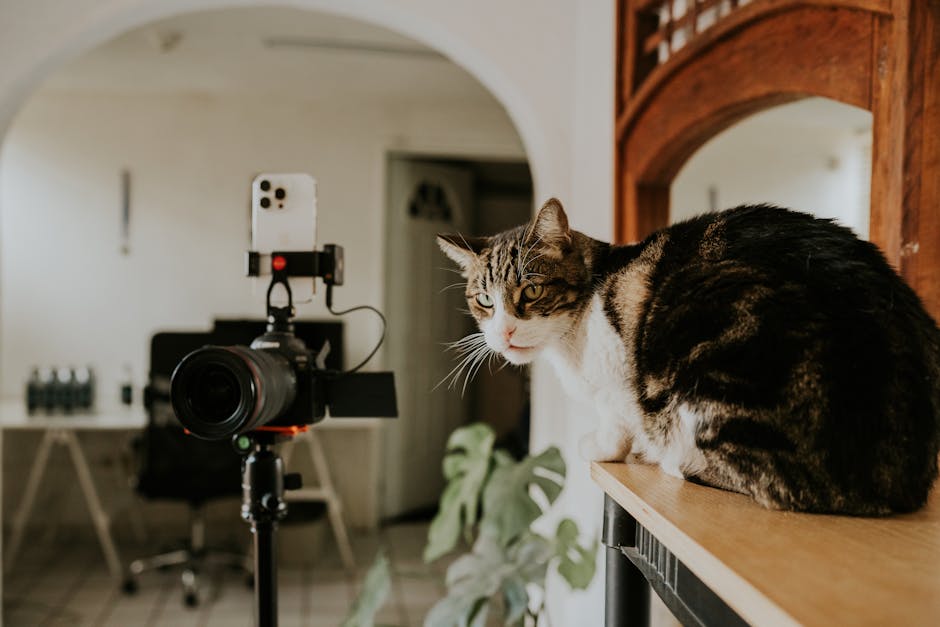
Activity sensors are how you spot “something changed” fast, especially when you’re at work. You’re looking for routine.
Activity monitoring is different from health care. It doesn’t diagnose illness. But it can give you a clear reason to check in or call your vet sooner.
Camera systems for daily behavior checks
Cameras help when you want to know what a pet is doing in real time. For example, you can watch whether your cat is hiding, whether your dog is pacing, or whether a bird is staying in place.
Look for features like:
- Two-way audio (talk to your pet or reassure them)
- Night vision (so “it’s quiet at night” doesn’t mean “no data”)
- Motion zones (so you don’t get alerts from hallway movement)
- Privacy features (covers or on-device controls matter)
Popular options many people use include Ring indoor cams and Wyze Cam systems. Costs usually land around $30–$200 depending on features, and subscription plans can add more.
My rule: if you buy a camera, also decide what you’ll do when you get an alert. If you won’t act on it, it’s just noise.
Wearables and collars: best for dogs that roam or train well
Wearables can track location, movement, and sometimes resting time. They’re especially helpful for dogs with separation anxiety or for training programs where you want to see patterns.
But there are limits. Collars need charging, fit, and comfort checks. Some pets dislike wearing them, especially cats.
Wearables work best when you already have a routine and want to measure how it changes—not as a “set it and forget it forever” device.
Non-camera motion sensors for privacy-first homes
If you don’t want indoor cameras, motion sensors and smart contact sensors can still help. For example, placing a motion sensor near a food station tells you if your dog is going there. Using a contact sensor on a pet door can show patterns too.
These sensors are also great for multi-pet homes where you want to avoid constant video alerts. In 2026, many motion sensors can send simple “activity happened” notifications that don’t feel invasive.
Best Smart Home Setups: Combine Air Quality, Temperature, and Activity
The real value starts when you connect your devices. A temperature drop plus a drop in activity can be a clue. A PM2.5 spike plus more coughing behavior can be another.
How to choose automation that helps (not annoys)
Automations should be specific. Here are three setups I recommend for pet homes.
- Air spike response: If PM2.5 jumps above your chosen level (for example, above “moderate” for 10 minutes), turn on your air purifier to a stronger fan speed.
- Comfort check alert: If indoor temp drops below your set range for longer than 30–45 minutes, send you an alert.
- Behavior + environment mismatch: If your pet’s activity falls for hours while the environment is “fine,” that’s a cue to check food, water, litter, and bathroom habits.
One original insight from my own setup: I treat “quiet” differently depending on the time of day. A quiet Tuesday afternoon isn’t the same as quiet at 10 p.m. That helps me not overreact to normal sleep schedules.
Suggested placement plan (simple and effective)
You don’t need sensors everywhere. Start with:
- Main living area: one air-quality sensor + one temperature sensor (or a sensor combo)
- Pet sleep area: place the temperature sensor closer to where your pet actually rests
- Activity “hot spot”: camera or motion sensor where your pet passes through (near the feeding area, litter area, or pet door)
If you live in a multi-level home, add one climate sensor per main floor. Pets usually have a favorite level, and that’s where you’ll see changes first.
People Also Ask: Pet Smart Home Questions
What is the best air quality monitor for pets?
The best air quality monitor for pets is the one that gives you clear data on PM2.5 and (ideally) VOCs, and that you can place away from vents and sprays. For many homes, a sensor that shows particulate trends in real time is more useful than a fancy dashboard with lots of vague “scores.”
If your pet has allergies or breathing issues, prioritize PM2.5 first. For chemical sensitivity, look for VOC/TVOC tracking and watch for spikes after cleaning.
Do smart thermostats help with pet comfort?
Yes, smart thermostats help—especially when you add room sensors. A thermostat alone measures the house where the thermostat sits, which might not match the room where your pet sleeps. Room sensors help you prevent drafty “cold corners” and hot sun spots.
Can smart cameras detect illness?
No. Cameras can’t diagnose illness. But they can spot early behavior changes like hiding more than usual, not eating, or repeated restlessness. If you notice a change lasting more than 24 hours in a dog, or sooner for cats with litter issues, contact your vet.
Are activity trackers safe for pets?
They can be safe if they fit well and don’t irritate skin. Always check the collar fit (you should be able to fit two fingers comfortably). For cats, start with a harness-friendly approach or choose non-wearable sensors if your cat hates collars.
Quick Comparison: Which Device Should You Buy First?
If you’re starting from zero, don’t buy everything at once. Pick based on your biggest pet concern right now.
| Your main concern | Buy first | Why it helps fast | Next step |
|---|---|---|---|
| Frequent sneezing or watery eyes | Air quality sensor (PM2.5 + VOC) | Finds dust/smoke spikes and chemical smell events | Add air purifier or purifier-smart automation |
| Your pet gets restless when you’re away | Indoor camera or motion sensor + notifications | Shows whether pacing, hiding, or not using the area changes | Pair with temp alerts so environment issues don’t get missed |
| You worry about heat/cold while working | Smart thermostat + room sensor | Prevents slow drift in comfort | Add air quality tracking to handle wildfire or cooking days |
| New puppy or training consistency | Activity tracking (wearable or camera) | Helps you see patterns in potty timing and rest breaks | Add alerts for abnormal drops in activity |
Step-by-Step: Set Up Your Smart Pet System in 60 Minutes
This is the order I’d do it if I were starting today with one weekend and a budget in mind.
- Pick your “pet zone”: choose the room where your pet spends most time (or where you want the biggest visibility).
- Mount the air sensor 3–5 feet off the floor, away from vents and direct sunlight.
- Place the temp sensor near your pet’s sleep area, not just where you stand.
- Set activity alerts: for cameras, use motion zones and schedule alerts (for example, don’t alert all day while you’re home).
- Create 2–3 automation rules: one for air quality spikes, one for temperature drift, and one for “activity drop” alerts.
Then test for one full day. Don’t judge after 30 minutes. Pets have routines, and sensors learn patterns.
Pet Care Tips to Pair With Smart Monitoring (So the Tech Actually Works)
Sensors are not magic. Your daily choices still matter. Here are simple habits that make your smart home data more useful.
- Track events in a note app: if you bake, burn candles, clean with spray, or change litter, write it down. When you see a sensor spike, you’ll know why.
- Ventilate during strong smells: if VOC readings rise after cleaning, open a window and run the purifier for a set time (like 30–60 minutes).
- Keep bedding consistent: when you rotate beds, your readings might change due to dust and detergent.
- Don’t ignore “small” changes: repeated coughing, itchy eyes, or a litter habit change is worth a vet call.
If you’re working on training and routines, I also recommend reading our guide on pet training routines and reward systems. The same idea—watch patterns and adjust—applies to smart home alerts too.
Related Topics on Our Site (Worth Pairing With This)
If you’re building a better pet home, these posts connect well with smart monitoring:
- How to read early warning signs in animal health
- Cleaning tips for pet sensitivities
- Best indoor enrichment for pets
Smart devices help you notice changes. These guides help you respond the right way.
Conclusion: Build a Pet-Friendly Smart Home With Clear Alerts, Not More Gadgets
A smart home for pet owners works best when it helps you stop guessing. Start with an air-quality monitor (watch PM2.5 and VOCs), add temperature monitoring with a room sensor near where your pet sleeps, and use activity tracking that shows routine—not constant noise.
My biggest takeaway from setting this up in real life: pick a few metrics, set a few smart rules, and review them like a checklist for your pet’s daily comfort. When you catch a problem early, you can fix the environment fast—and sometimes that’s the difference between “a rough day” and “a vet visit.”
Featured image alt text suggestion: Smart Home for Pet Owners air quality monitor showing PM2.5 levels near pet feeding area